rmm
Atera
All-in-one RMM and PSA platform with per-technician pricing.
Overview
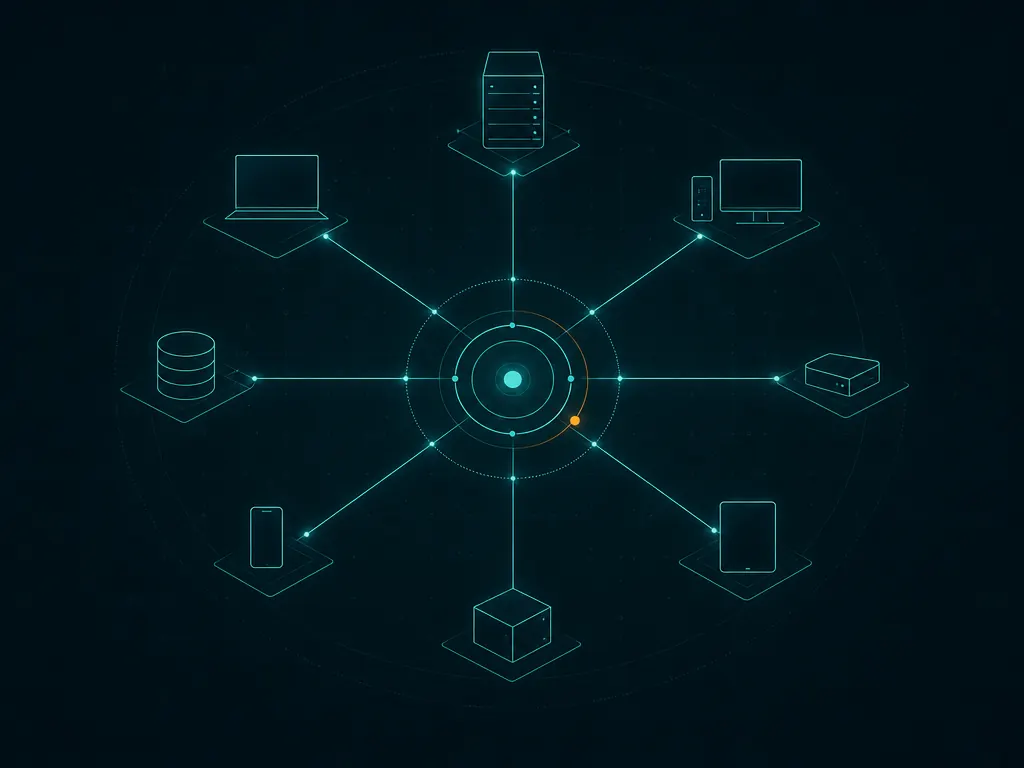
Atera is an all-in-one remote monitoring and management (RMM) and professional services automation (PSA) platform developed by Atera. It is designed for internal IT departments and managed service providers (MSPs) that need to monitor, manage, and support endpoints from a single cloud console. The platform combines remote monitoring, patch management, remote access, ticketing, billing, and reporting under one subscription, aiming to reduce the number of separate tools an IT team needs to run day-to-day operations.
Atera name and branding are a trademark of its owner. This catalog entry is an independent, factual summary and is not affiliated with, endorsed by, or partnered with Atera.
Key capabilities
Atera’s core functionality centers on remote monitoring and management of Windows, macOS, and Linux endpoints through a lightweight agent installed on each device. Once connected, technicians can view device health, receive alerts, and act on issues from a central dashboard.
Key features include:
- Remote monitoring of servers, workstations, and network devices, with configurable alert thresholds
- Automated and scheduled patch management for operating systems and select third-party applications
- Remote access to endpoints for troubleshooting, integrated with the monitoring console
- Ticketing and helpdesk functionality for tracking and resolving support requests
- Billing and invoicing tools intended to support MSP client management
- Scripting and automation for routine maintenance tasks
- Reporting on device status, ticket history, and service-level activity
Because Atera bundles RMM and PSA in one product, teams can move between monitoring, remote support, and administrative tasks like billing without switching applications.
Typical use cases
Atera is generally used in two settings: internal IT departments managing their own organization’s fleet of computers and servers, and MSPs that manage IT infrastructure for multiple external clients. In both cases, the platform is used to keep an inventory of managed devices, respond to alerts and support tickets, apply patches, and, for MSPs, track billable work and generate client invoices. It suits teams that want a single platform rather than assembling separate monitoring, remote-access, ticketing, and billing tools.
Licensing and pricing
Atera is offered as commercial software on a subscription basis, with a free trial available for evaluation. A distinguishing aspect of its pricing model is that it is charged per technician (per user with console access) rather than per managed endpoint, which can affect total cost differently than device-based licensing depending on team size and device count. Atera does not publish a permanent free tier for ongoing production use beyond the trial period. Exact plan tiers and current pricing are set by the vendor and subject to change, so prospective users should consult Atera’s official website for up-to-date figures before purchasing.
Platform support
Atera is a cloud-based (SaaS) platform, meaning the management console is accessed through a web browser and hosted by the vendor rather than installed on a customer’s own server. Endpoint agents are available for Windows, macOS, and Linux, allowing a mixed-OS environment to be monitored from the same console. Because the console itself is browser-based, administrators can access it from any supported device with internet connectivity.
Getting started
Atera software and agents are obtained directly from the vendor’s official website, and an account is required to use the service; this catalog does not host installers or distribute the software itself. New users typically sign up for the free trial through Atera’s site, create an account, and then deploy the endpoint agent to the devices they want to monitor. From there, the console can be configured with alert policies, patch schedules, and, for MSP use, client and billing settings. For current feature details, supported operating system versions, and pricing, refer to atera.com.
Where to download
Downloads are hosted by Atera on their official website. The button below opens that site — we never host installers.
same segment