rmm
Action1
Cloud-native patch management and remote monitoring with a free tier for small fleets.
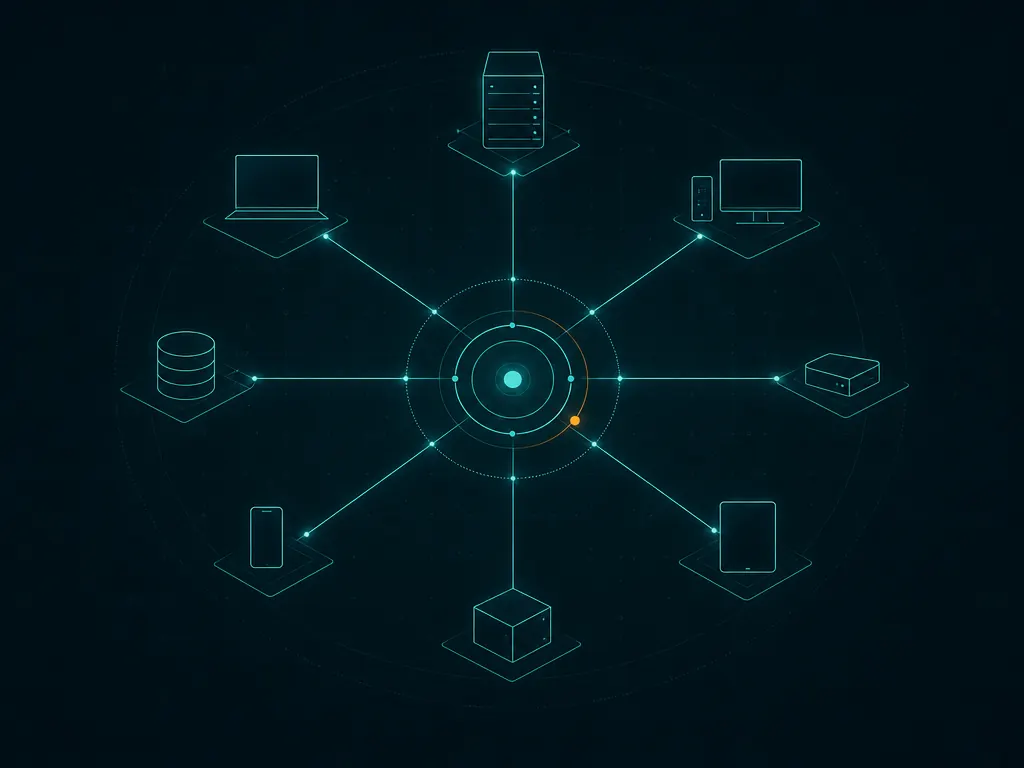
Action1 is the tool to reach for when your actual problem is a simple, nagging one: machines are not getting patched, and you do not want to build infrastructure to fix that. It is a cloud-native patch management and remote monitoring platform, made by Action1, and it does its job entirely from the cloud — no on-premises management server to stand up, secure, and babysit. The honest positioning is narrow and confident: Action1 is not trying to be an all-in-one RMM. It is trying to keep operating systems and third-party applications patched and give you visibility into what is missing, and it does that well, with a genuine free tier for small fleets to prove it.
What Action1 actually does
Action1 installs a lightweight agent on each endpoint, which checks in with a cloud console. From there the platform automates patching — both the operating system and a wide range of third-party applications, which is the part most patch tools handle poorly or not at all. Third-party app patching (browsers, runtimes, common productivity software) is where a lot of real-world vulnerabilities hide, so covering it matters.
Around that core it adds vulnerability visibility — surfacing missing patches and outdated software that represent risk — plus remote access for troubleshooting a machine directly, software deployment, and reporting on patch compliance across the fleet. Because it is cloud-native, endpoints can be patched wherever they are, including laptops that rarely touch a corporate network.
Where it shines
Autonomous patching is the strength, and it is a real one. Action1 is built to keep OS and third-party software current with minimal hand-holding, which directly closes the security gap that unpatched third-party apps quietly open. For a small team, automating that is a large, tangible win.
The cloud-native, serverless architecture removes a whole class of overhead. There is nothing on-premises to install, harden, or maintain, and remote and hybrid endpoints get patched without needing to be on the network. For distributed workforces, that is exactly the right shape.
The free tier is genuine. Covering a small number of endpoints at no cost makes Action1 realistically usable for tiny environments and an easy, no-risk way to trial autonomous patching before paying for a larger deployment.
Where it falls short
It is focused, not all-in-one. Action1 centres on patching, vulnerability visibility, and remote access — it is not a full RMM with deep monitoring, ticketing, billing, and broad automation. If you want a single platform to run an entire IT operation or MSP business, this is not that tool, by design.
Platform coverage is worth checking before you commit. The agent’s supported operating systems and the exact scope of third-party app coverage evolve, so confirm your specific mix of machines is handled rather than assuming it.
For teams that already run a capable RMM, Action1 may overlap with patching you technically already have — though many still add it precisely because its third-party patching is stronger than what their RMM offers.
Who it’s for
Action1 fits IT teams and MSPs whose pressing need is reliable, automated patching of OS and third-party software across endpoints — especially remote or hybrid fleets where an on-premises patch server is impractical. If patching and vulnerability visibility are the problem, and you want to start small (or free) and scale, it is an excellent, focused choice.
Look elsewhere if you need a full unified platform with monitoring, ticketing, and billing — that is RMM/PSA territory — or if your endpoint mix falls outside its current platform support.
Licensing and cost
Action1 offers a genuine free tier that covers a small number of managed endpoints, which makes it usable for tiny setups and evaluation without paying. Beyond that endpoint limit it is commercial, subscription software with pricing that scales by the number of managed endpoints. The exact free-tier threshold and current prices are set by the vendor and change over time, so check Action1’s official site for up-to-date figures rather than relying on secondhand numbers.
How it compares
NinjaOne is the full unified-RMM step up: it patches, monitors, remotes in, deploys software, and backs up, all in one polished console, priced per endpoint and quote-based. Choose it when you want to manage endpoints comprehensively, not just patch them — and accept that you are buying much more than a patch tool.
Atera bundles RMM and PSA on a per-technician, unlimited-device model with ticketing and billing built in. It is the choice when you want an all-in-one platform for a small MSP or IT team; Action1 is the choice when you want patching done exceptionally well and nothing you do not need.
Syncro similarly targets MSPs with combined RMM and PSA and per-technician pricing. Like the others, it does far more than Action1 but is not as sharply focused on autonomous third-party patching. If patching is the whole job, Action1 stays leaner and cheaper.
Getting it safely
Action1 is a cloud service, so you start by signing up for the free tier or a paid account on Action1’s own official site (action1.com), not by downloading a product from a third party. We are an independent review portal — we host nothing, mirror nothing, and distribute no installers. The one piece that reaches your endpoints is the agent installer, and you should deploy only the one issued from inside your own Action1 console. Before rolling it out, take a moment with our short guide on how to verify a download so you can be sure the installer is genuine.
FAQ
Is Action1 really free for small setups? Yes — it has a genuine free tier covering a small number of endpoints, not just a time-limited trial. That makes it realistically usable for tiny environments and a low-risk way to test autonomous patching before you pay for more.
Can Action1 replace my RMM? Only if all you need is patching, vulnerability visibility, and remote access. It is a focused tool, not a full RMM with monitoring, ticketing, and billing. Many teams run it alongside or instead of an RMM specifically for its strong third-party patching.
Does it patch third-party applications or just the OS? Both. Action1 patches the operating system and a wide range of third-party applications, which is important because unpatched third-party software is a common source of vulnerabilities. Confirm your specific apps are covered on the vendor’s site before relying on it.
Where to get it
Action1 is available directly from Action1. This is an independent catalog — we don't sell or host the software. See plans and start a trial on the official site: action1.com →.
same segment